Theming
Colors, fonts, sizes & SCSS
Objectives
- Know what an SCSS file is and how to use it
- Set fonts, colors, and sizes with sass variables
- Know when to drop down to CSS rules
The 10 Minute Theme
You can get very far with theming using only
- fonts
- colors
- sizes
How do we specify the theme?
Themes are written with CSS
Cascading Style Sheets (CSS) is a stylesheet language used to describe the presentation of a document written in HTML
CSS is written as a series of pairs; selectors and properties.
selectors specify what elements on a page we want to style.
properties specify what the elements should look like.
One rule
.reveal .slide a is the selector. It picks out the links on your slides.
color and text-decoration are the properties. They say what those links look like.
Why so many words on the left?
This does nothing. Reveal already has its own rule for links, and it is more specific than yours.
.reveal .slide in front is how you out-specify it. Expect that prefix on most rules you write.
A language that compiles to CSS
While CSS is very powerful, it can also feel a little too wordy and less expressive. So we use the compiled langauge Sass.
- You write Sass
- A compiler turns it into plain CSS
- The browser gets the CSS
Quarto runs that compiler for you on every render. There is no build step to set up.
Sass has two syntaxes
Same language, same features. SCSS is the one that looks like CSS, and the one everybody uses.
So, names
- Sass the language and the compiler
- SCSS the syntax you write it in, and the file extension
- CSS what comes out the other end
Quarto expects .scss. That is the only one you need to think about.
Why SCSS?
One value, one place
The compiler writes the boring parts
Write the awkward prefix once
Reveal’s own styles are specific, so your rules need .reveal .slide in front to win.
Mistakes get caught
A typo in CSS is silent. The browser drops the line and moves on.
$primry-colorfails to compile and tells you the line- Undefined mixins and functions do the same
- You find out at render time, not from the back row
The theme outlives the talk
You are not styling one deck. You are building a look you keep.
- Next talk starts by copying one file
- Fix something once and every future deck has it fixed
- Variables at the top are the knobs you actually turn
That is the whole bet: pay the setup cost once, spend the rest of your time on content.
Setup
One line of YAML, one file
Combine a built-in theme with your sheet, or skip the built-in with theme: styles.scss.
The two layers
defaultssass variables, read before Quarto builds the themerulesplain CSS, applied after
Reach for a variable first. Write a rule only when no variable exists.
Fonts
Three variables
$presentation-heading-fontslide titles$font-family-sans-serifbody text$font-family-monospaceinline code and code blocks
Where to find a good font?
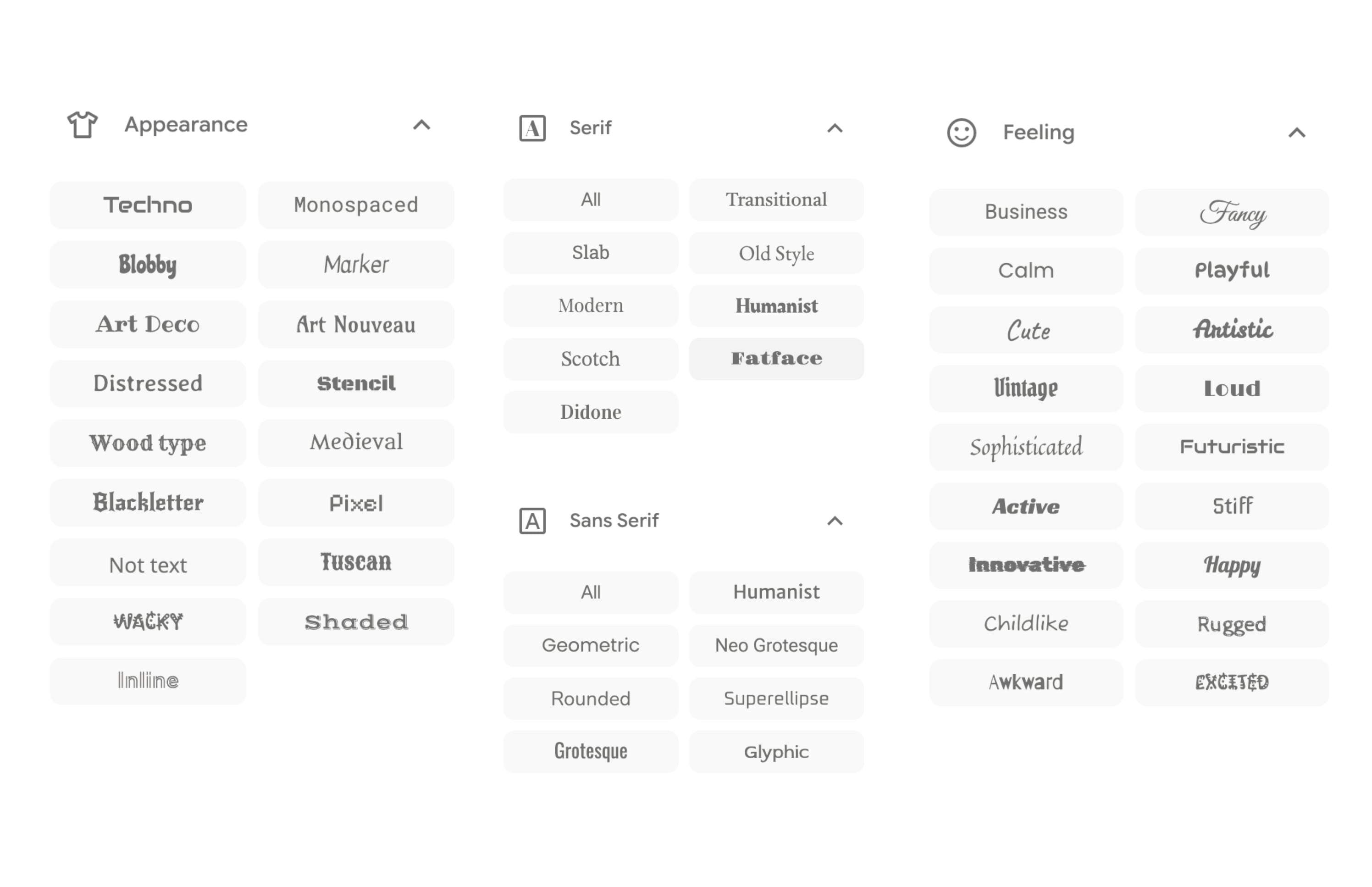
Getting the font in
- Pick a font
- Select the styles you want
- “Get embed code”
- Copy the
@importversion, not the<link>version
Getting the font in
Tips for finding good fonts
Seeing what other people are doing
Looking up font pairings online
Lots of trial and error
Default fonts are fine too!
Colors
Five variables
$body-bgslide background$body-colorbody text$presentation-heading-colortitles$link-colorlinks, progress bar, menu$code-colorinline code
A dark theme in five lines
Contrast is not optional
Where to get your colors
- Brand guidelines
- Color palettes
- Pulling from images
The code highlighter is separate
highlight-style controls code blocks, and it does not follow your $body-bg.
Sizes
Six variables, you need three
$presentation-font-size-rooteverything scales off this$presentation-h1-font-size/$presentation-h2-font-size$code-block-font-size
New sizes
styles.scss
When variables run out
quarto revealjs sass variables
you can go really far with the revealjs sass variables
however it doesn’t cover everything possible that we could want to do
so we will need to write our own SCSS rules
Demo: which class do I hit?
If you can see it on a slide, it has a selector. The browser will tell you what it is.
- Right-click the thing you want to style, pick “Inspect”
- Read the HTML pane: the element and the classes it carries
- Read the styles pane: the rules already hitting it, most specific first
- Edit a value right there to check you picked the right one
- Then write that selector into
styles.scss
Nothing you change in the inspector is saved. It is a scratchpad, not an editor.
Write a rule
Changing the line height of a unordered list
Your own classes
Define a class once, use it on any slide or span.
styles.scss
The [important part]{.highlight} of the sentence.
Slide variants
Same deck, a handful of slide looks. Give a slide a class and style that class.
The plain slide is your base style. A class is what you reach for when you want a different one.
One block per variant
styles.scss
Nesting keeps a variant in one readable block, so adding a second is copy, rename, change the colors.
What variants are good for
- Section breaks, so the deck visibly changes gear
- Functional slides: exercises, demos, results
- Marking the parts of an argument: problem, solution
The classic is xaringan’s inverse: one dark slide among the white ones, used for a section break or a quote.
Your turn
Exercise
- Add
styles.scssto the preview deck and wire uptheme: - Pick two Google Fonts, one for headings, one for body
- Set the 2 color variables, then check the contrast
- Bump
$presentation-font-size-rootuntil it feels too big, then leave it there
Thank you
Back to the workshop materials.
Slidecrafting Workshop